


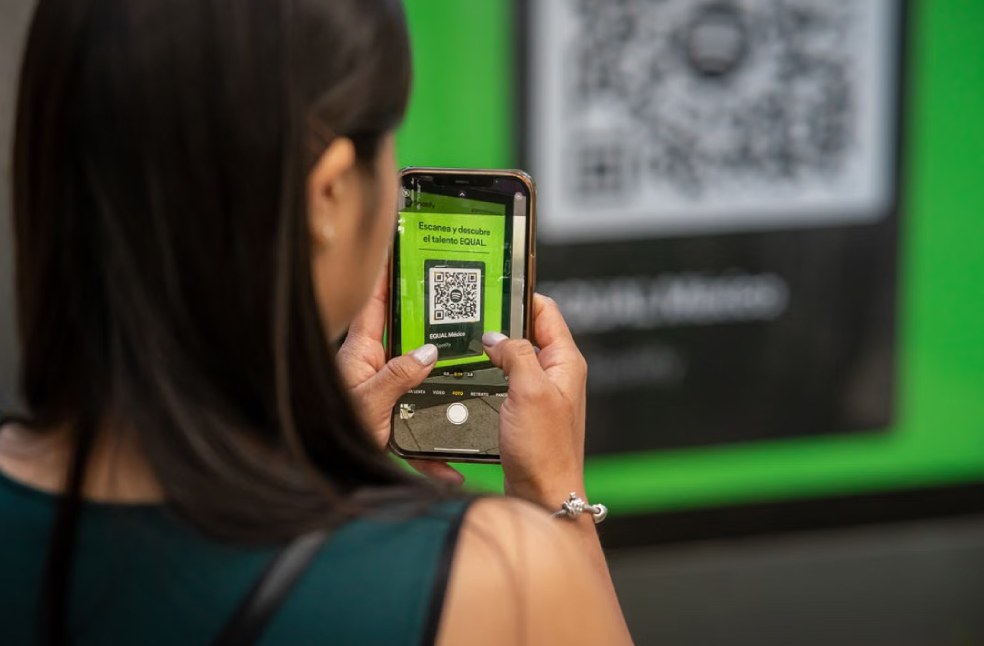
Whether you’re paying for parking, ordering food at a restaurant or checking into an event, chances are you’ve scanned a QR code recently.
Once seen as a niche technology, QR codes have become a normal part of everyday life, offering a quick way to access websites, make payments and download information with a simple scan. Their convenience has also made them attractive to cybercriminals.
Security experts warn that while QR codes themselves are not harmful, they can direct users to fraudulent websites designed to steal passwords, banking details or other personal information. As QR codes continue to appear in more public places, understanding how to identify safe ones has become an important digital safety skill.
Why QR codes are everywhere
QR codes gained widespread popularity during the COVID-19 pandemic, when businesses adopted contactless solutions for menus, payments and customer check-ins. Today, they are used across almost every industry, including:
- Restaurants and cafés
- Public transport
- Parking payments
- Retail stores
- Event ticketing
- Banking services
- Healthcare facilities
- Government services
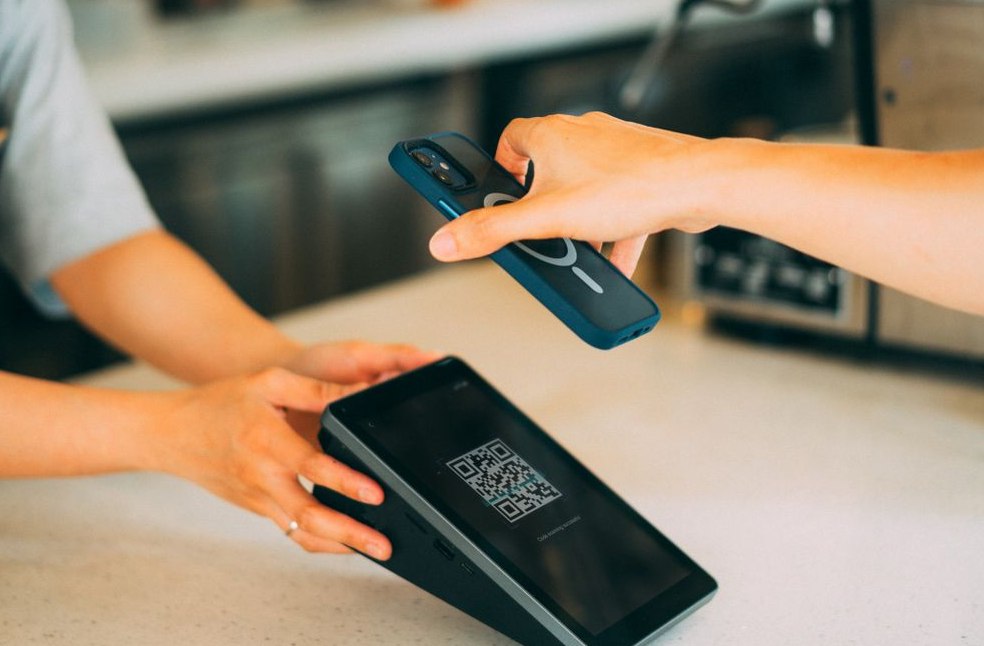
Instead of typing long web addresses, users simply point their phone’s camera at a code and are instantly taken to a webpage or application. For businesses, QR codes are inexpensive and easy to create. For consumers, they save time. Unfortunately, scammers have recognised those same advantages.
Are QR codes dangerous?
The short answer is no. A QR code is simply another way of storing information, much like a barcode. It does not contain viruses or automatically infect a phone. The real risk lies in where the QR code sends you.
A malicious QR code can redirect users to fake websites that closely resemble legitimate banking portals, payment pages or login screens. If someone enters sensitive information without checking the website carefully, criminals may gain access to personal or financial data.
According to the US Federal Bureau of Investigation (FBI), cybercriminals are increasingly using malicious QR codes to steal login credentials, payment information and other sensitive data by directing victims to fraudulent websites.
How QR code scams work
Many QR code scams rely on one simple tactic: replacing a genuine code with a fake one. For example, a scammer may place a sticker containing a fraudulent QR code over the original code on a parking meter or restaurant table. The replacement often looks convincing enough that most people never notice.
Some common QR code scams include:
- Fake parking payment codes
- Restaurant menu replacements
- Fraudulent event tickets
- Delivery notification scams
- Fake Wi-Fi login pages
- Phishing websites asking for passwords or banking details
Because scanning a QR code feels routine, many users lower their guard without realising it.
How to tell if a QR code is safe
Cybersecurity experts recommend treating QR codes with the same caution as links received in emails or text messages. Before scanning, take a moment to check:
- Is the QR code printed professionally or does it appear to be a sticker placed over another code?
- Does it seem out of place or damaged?
- Is it displayed by a trusted business or organisation?
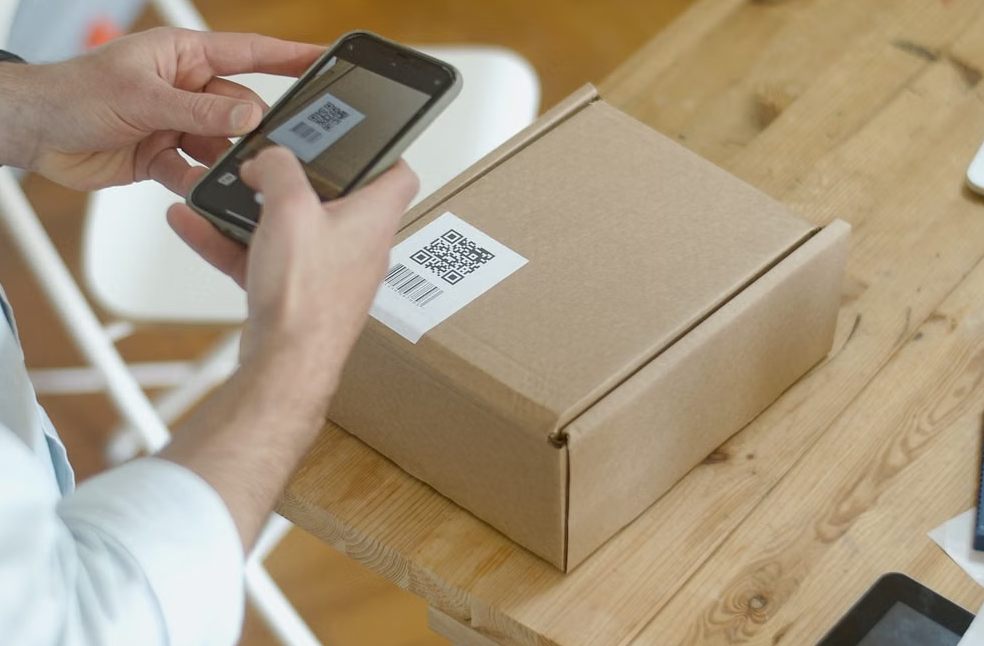
After scanning, avoid clicking immediately. Most smartphones display the destination website before opening it. Taking a quick look at the web address can help identify suspicious links.
Watch out for:
- Misspelled website names
- Unusual domain names
- Shortened or unfamiliar URLs
- Websites that immediately ask for personal or banking information
Even a small spelling difference can indicate a fake website.
Don’t ignore website address
One of the easiest ways to stay safe is to look carefully at the website that opens after scanning.
According to guidance from the UK National Cyber Security Centre (NCSC), users should always check where a QR code leads before entering personal information and avoid sharing sensitive details unless they are confident the website is genuine.
A legitimate business is unlikely to ask you to log in, provide banking information or download software immediately after scanning a QR code. If something feels rushed or unusual, it is worth stopping and checking before continuing.
What should you do if something looks suspicious?
If a QR code opens a webpage that seems unusual, close it immediately. Avoid entering usernames, passwords, payment details or personal information unless you are certain the website belongs to the organisation you intended to visit.

If you accidentally submit sensitive information, change your passwords as soon as possible and contact your bank if financial details were involved. Reporting suspicious QR codes to the business or organisation where they are found may also help prevent others from becoming victims.
QR codes aren’t the problem
QR codes have made many everyday tasks quicker and more convenient. They simplify payments, reduce paperwork and make information easier to access. The technology itself is not the danger. Instead, the greatest risk comes from trusting every QR code without checking where it leads.
As cybercriminals continue to develop new scams, experts say one simple habit can make a significant difference: pause for a few seconds before scanning and always verify the destination before sharing any personal information.
In today’s digital world, staying safe often starts with asking one simple question, not “Can I scan this?” but “Should I?”
WE RECOMMEND | How third places create a sense of belonging in modern life