


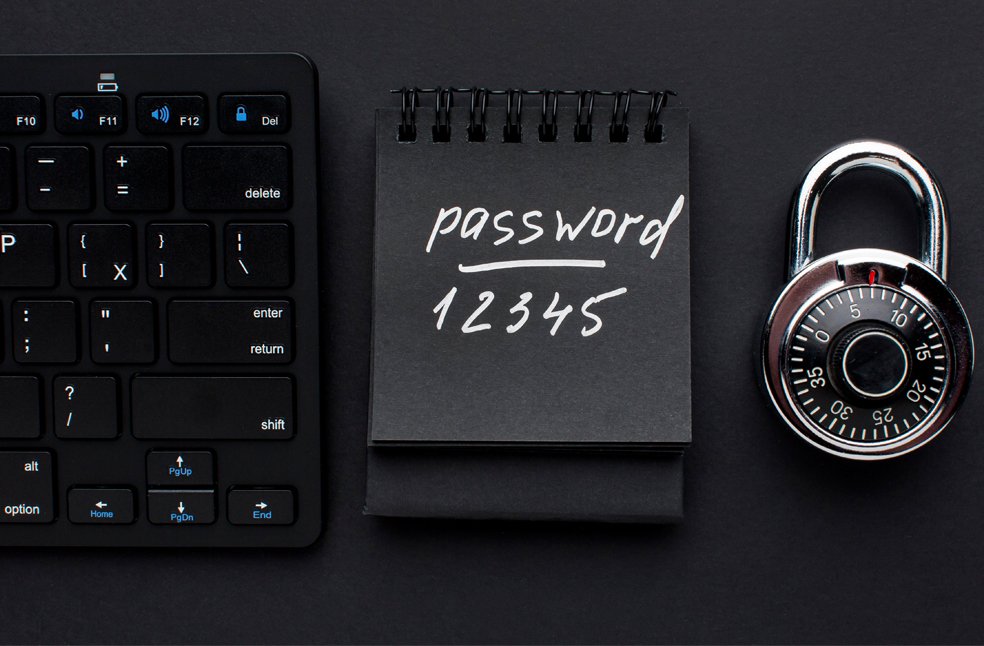
London: Despite repeated warnings to protect online accounts, a new study reveals that ‘admin’ is the most commonly used password in the UK. The second most popular, ‘123456,’ is similarly insecure, offering little protection against cyberattacks.
The annual review of the top 200 most common passwords by NordPass, a password management company, paints a worrying picture for security experts, law enforcement, and anti-fraud agencies.
Even with continuous advice from cybersecurity professionals, simple passwords remain widespread. In the UK, common words, numeric sequences, and predictable keyboard patterns dominate the top 20.
Variations of the word ‘password’ occupy five spots, while numeric sequences like ‘12345678’ and ‘123456789’ take another five, making them extremely easy targets for hackers. Experts recommend using a password management tool to help create and store more complicated, secure passwords.
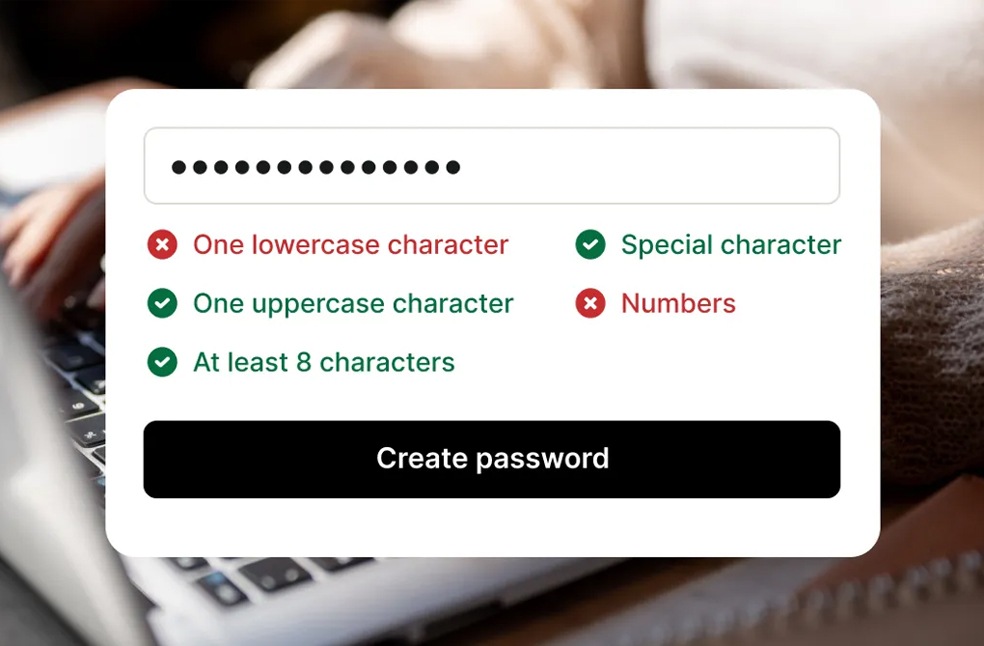
This issue isn’t limited to the UK. Australians, Americans, and Germans also frequently use ‘admin’ for website, app, and computer logins. Globally, ‘123456’ emerges as the most popular password.
‘Despite all efforts in cybersecurity education and digital awareness over the years, data reveal only minor improvements in password hygiene. About 80 percent of data breaches are caused by compromised, weak, and reused passwords.’ Karolis Arbaciauskas of NordPass noted.
How hackers exploit weak passwords
As people struggle with the growing number of accounts, many opt for simple passwords. Criminals exploit this using ‘dictionary attacks,’ a method that systematically guesses passwords by trying common words and their variations.
“Another issue is password reuse. Many users cite having too many accounts to remember unique passwords for all, which is dangerous. Weak or reused passwords put digital identities at risk,” Arbaciauskas explains.
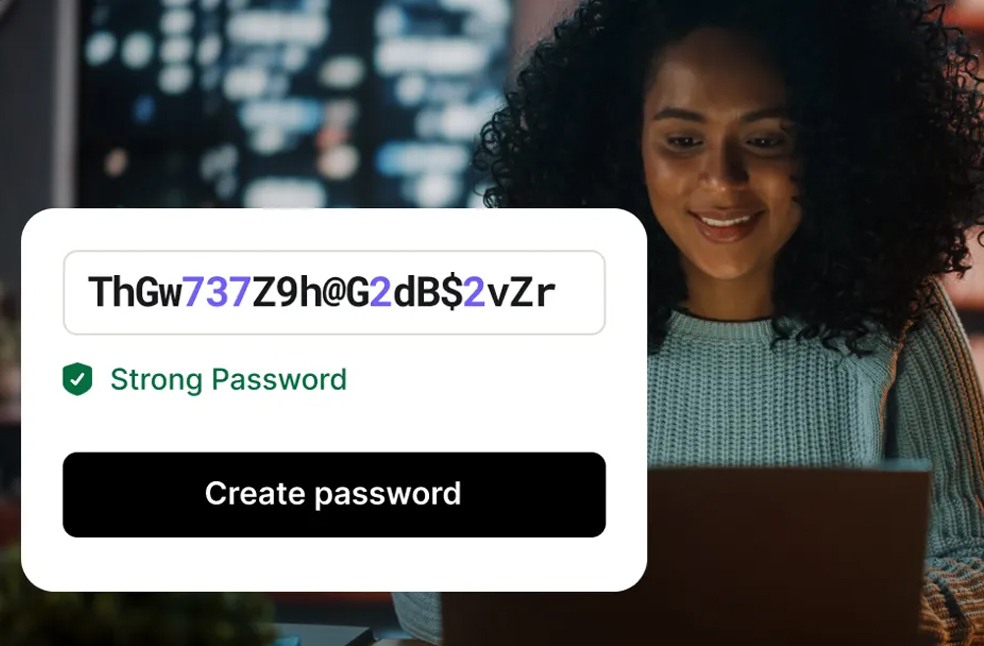
Recent research from Virgin Media O2 shows that four out of five people reuse the same or very similar passwords across accounts, creating an almost open door for hackers. Warning signs of a breach may include messages alerting users to attempted changes to email addresses or other account details.
How to strengthen your passwords
- Make passwords long and strong: Combine three random words (e.g., applepenbiro) or mix letters, numbers, and special characters.
- Use unique passwords for each account: If one account is compromised, hackers cannot access others.
- Update weak passwords immediately: Prioritize critical accounts such as banks, email, work, and mobile services.
- Use password managers: Tools like Apple’s iCloud Keychain and Google Password Manager can generate, save, and autofill complex passwords.
- Enable two-factor authentication (2FA): Adds an extra security layer using something only you can access, like a code sent via text. Activate 2FA for all accounts that support it.
By following these practices, users can protect their online accounts from hackers exploiting weak or reused passwords, reducing the risk of compromised digital identities.
ALSO READ | India caps airfares as IndiGo crisis sparks mass chaos